I’m new to YouTube. Can I start here?+
Yes. You need no channel, no editing skills and no footage: you pick a niche and a look, and the first scene appears in that look before anything costs a minute. Start with the free YPP watch-hours calculator to see how long monetization usually takes; we never promise income.
Will YouTube treat these videos as low-effort AI content?+
No tool can promise how YouTube will review a channel, and we don’t. YouTube’s policy targets content that looks made from a template or repeats itself from video to video. VidSwarm is built the other way: a look of your own, a visual chosen for each sentence, sources logged for every claim, and a person approving each step. Every film comes with a production record of its sources and decisions, which you can keep for a monetization review or an appeal. What you publish is your decision.
I don’t have a channel yet. Can I still start?+
Yes. Choose “Start a new channel”: pick a niche (the free niche check helps), take a look from the library or paste a video you like, and make the first film. You only need a YouTube channel when you upload.
Do I pay for scenes I don’t like or renders that fail?+
No. Research, topic, title, script and storyboard use no minutes. Minutes are reserved only when you approve the storyboard, and the film’s length and price are shown on that button. If a scene fails an automatic check (text overflow, black frames, loudness, a visual that doesn’t match the line), we rebuild it for free. The first three scene swaps per film are included.
Will my channel look like every other channel using VidSwarm?+
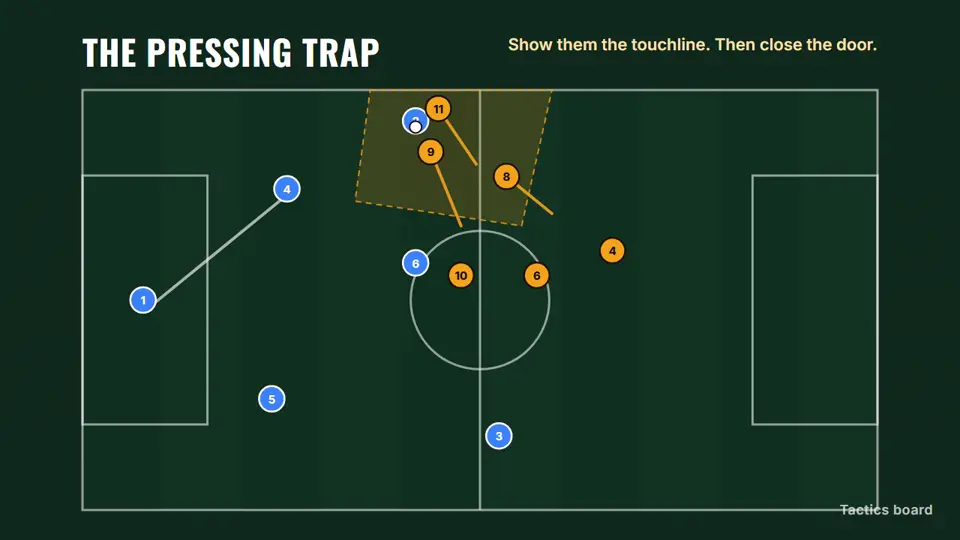
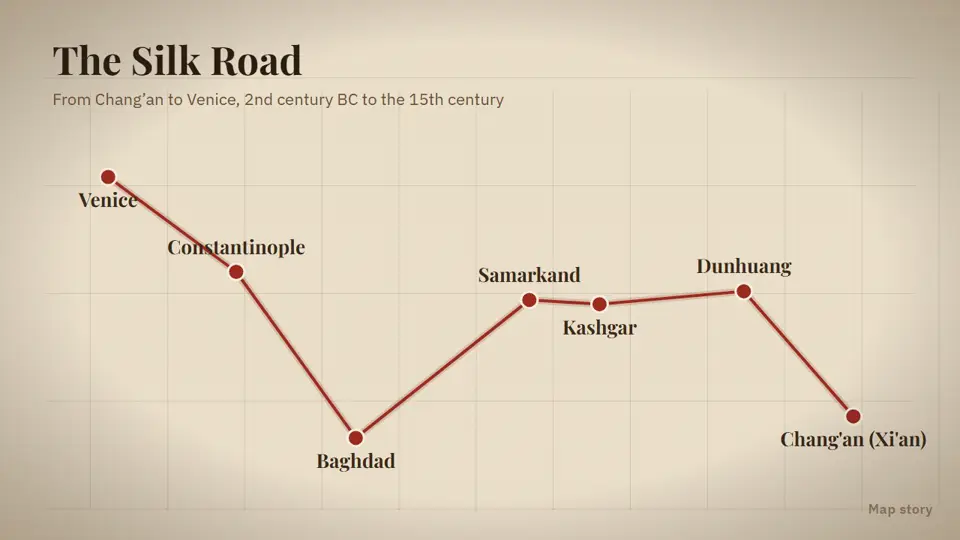
It shouldn’t, and you can check before you pay. Each channel gets its own palette, type, motion and graphic style, and each film gets signature scenes made only for it. Look at the storyboard: if a scene feels generic, swap it with a note (“show the route on a map instead”) and only that scene is rebuilt.
What is the production record?+
A record that comes with every film: the source of every claim, the license of every clip, who approved each step and when, and every edit, including scenes our checks rebuilt. You can download it as a PDF on its own or with the film files.
What do I get for the $9 test film?+
One real film up to 5 minutes through the whole chain, in your look, without a watermark, with the full upload package and its production record. If you start a plan within 7 days of the film’s delivery, the $9 is credited. It never turns into a subscription by itself.
Does it upload to my channel?+
Direct upload is waiting for Google’s review of our YouTube access. Until then you download the package: film, thumbnails, title, description with chapters and sources, tags and subtitles. Once approved, uploading is always your click; we never need write access without your approval for that film.
Where does the footage come from?+
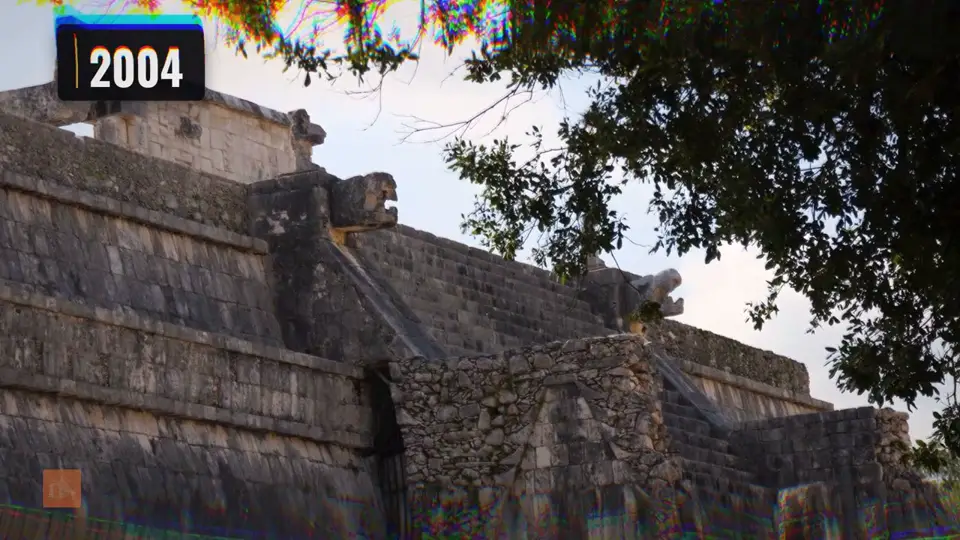
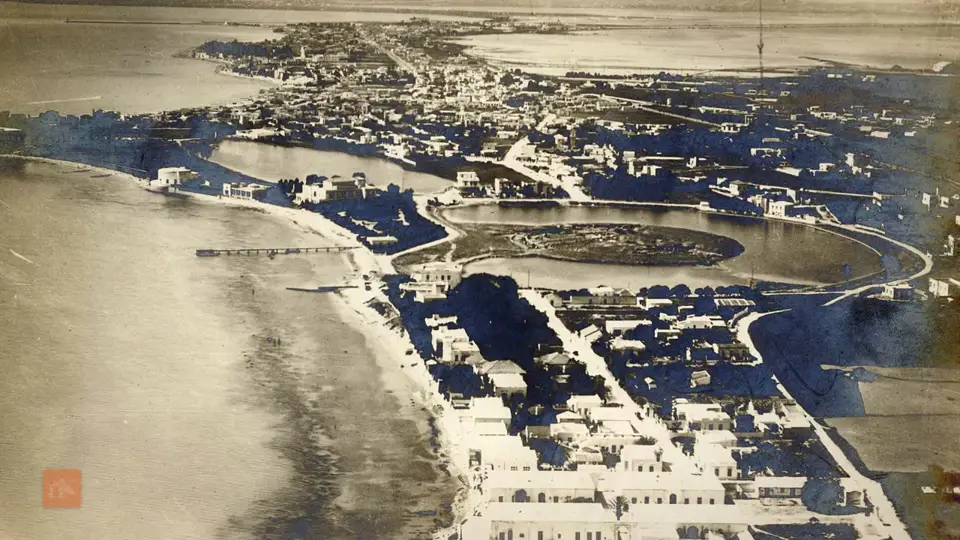
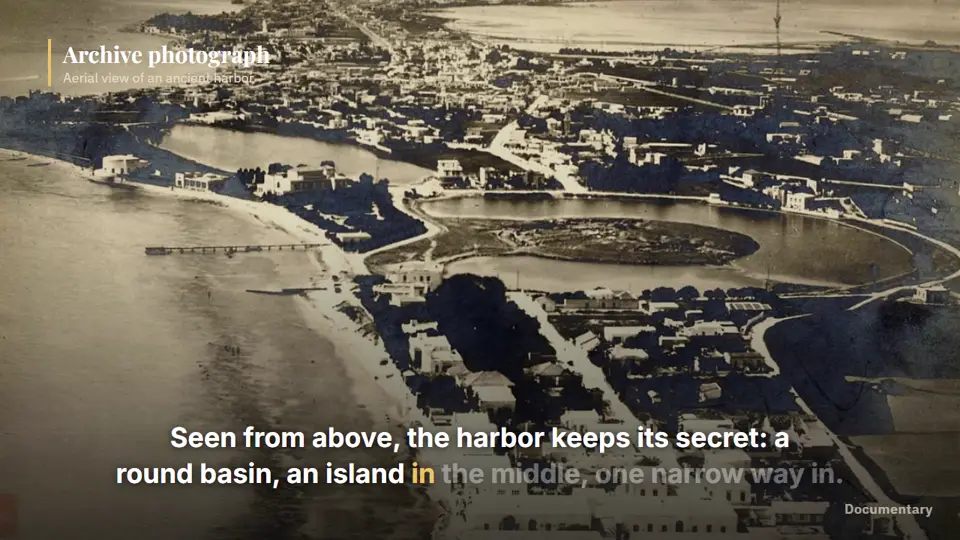
Mostly from our own motion graphics and maps rendered in your look, plus licensed stock, public-domain and Creative Commons archives, and material you upload yourself. Every clip is logged with its source and license. You decide what you publish and stay responsible for it, as our terms explain.
Which languages?+
Scripts are written in the channel’s language from the start, not translated afterwards. Our own channels run in English and German today.
Can I cancel, and what happens to my files?+
Cancel in one click from Billing; the plan runs to the end of the period you paid for. Unused minutes roll over while you are subscribed, up to 2 months' worth of your plan; when the plan ends they expire. Top-ups never expire. After you cancel, you can download everything for 90 days: MP4, thumbnails, subtitles, script, storyboard, source log and production record.
Is all of this available today?+
No. VidSwarm is in private beta: 30 seats for the $9 test film, opened in three waves of ten, and during the beta every film is reviewed by the founder. The agent, direct upload and analytics roll out over the next year. The changelog lists what is live; the examples page says where every clip comes from.